UI Tips
UX Tips
Articles
Newsletter
The classic tooltip is activated once the user hovers over the element... On desktop, this works perfectly! However mobile devices don't support the hover effect To deal with this, add a clickable help icon next to your button. When the mobile user taps on the icon, show the complementary tooltip text.
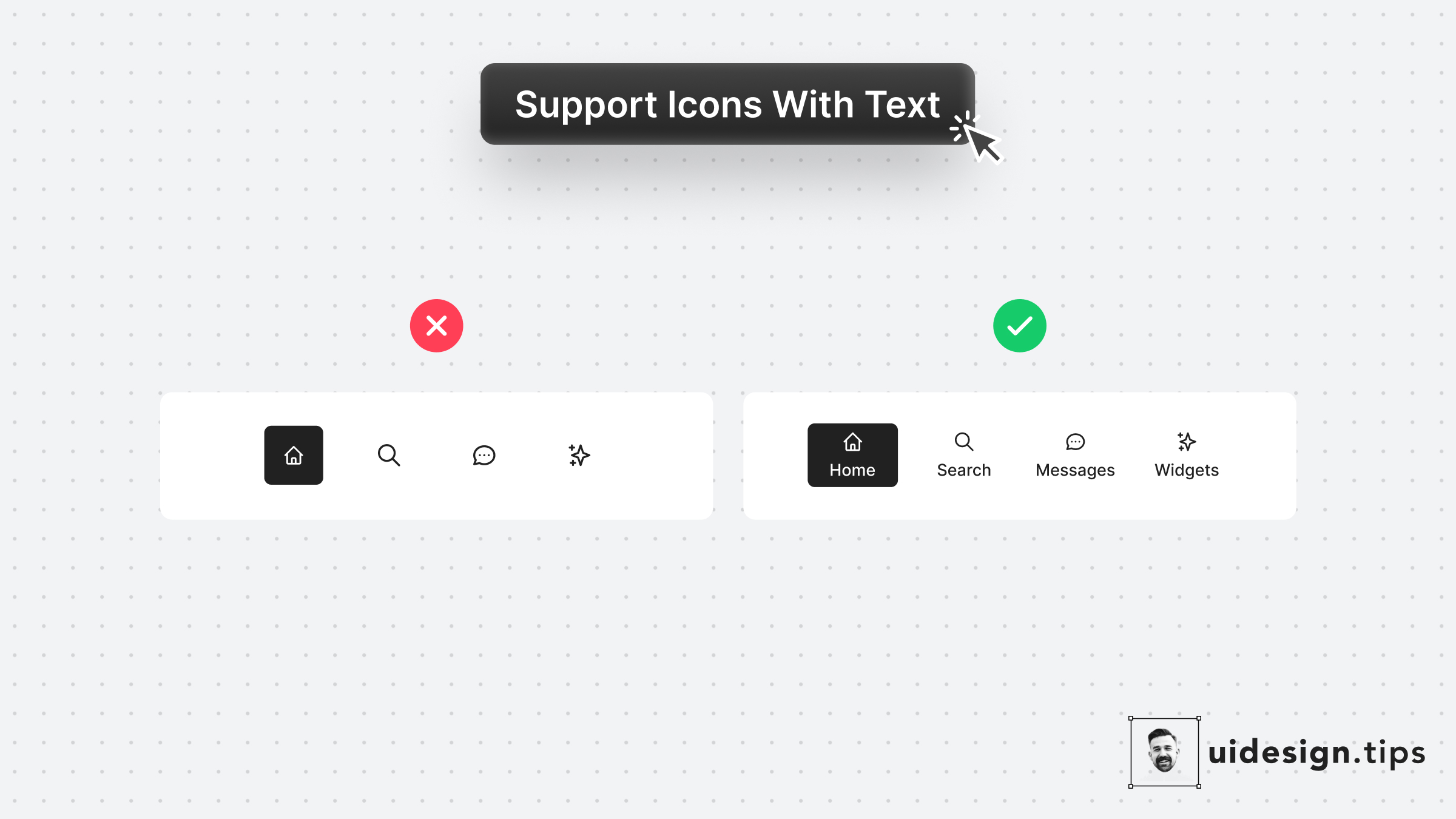
Icons can often confuse users or get misinterpreted by different people due to their experience level or even due to their culture. Fix this accessibility issue is by adding a subtle text label near the icon which will describe its usage. Keep this information in mind especially for mobile interfaces which don't support hover effects.
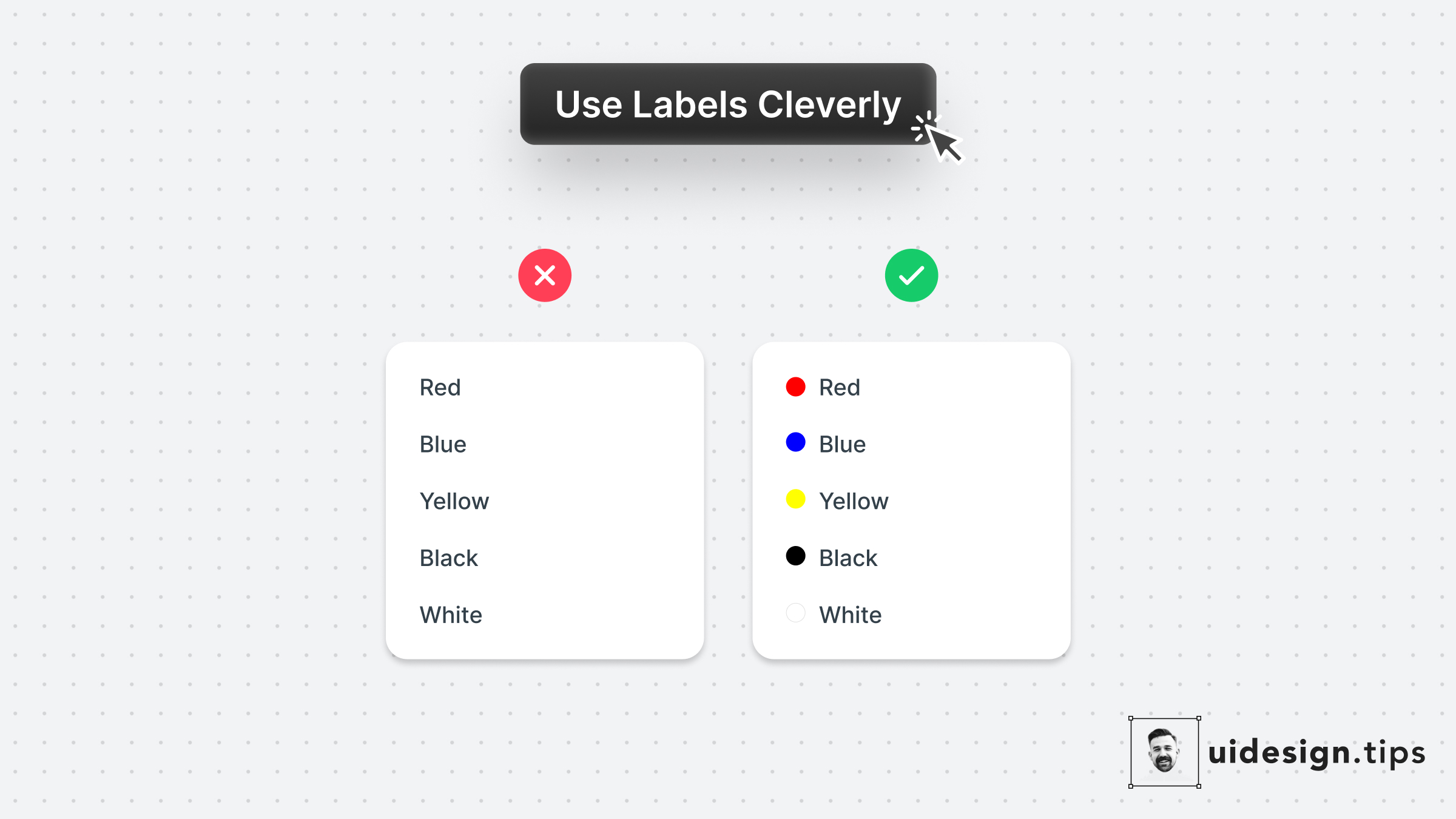
A smart use case for labels is on color pickers with predefined values. Depending on the app's context you can even omit labels. Consider keeping them for color-blind people who struggle to identify colors though.